> ## Documentation Index
> Fetch the complete documentation index at: https://docs.berrybyte.net/llms.txt
> Use this file to discover all available pages before exploring further.
# Upgrade Plan
> How to upgrade your game server plan for more RAM, players, and better performance.
# Upgrade Your Server Plan
Need more RAM, players, or performance? Upgrade your plan anytime. Your files stay safe and upgrades happen instantly.
## How to Upgrade
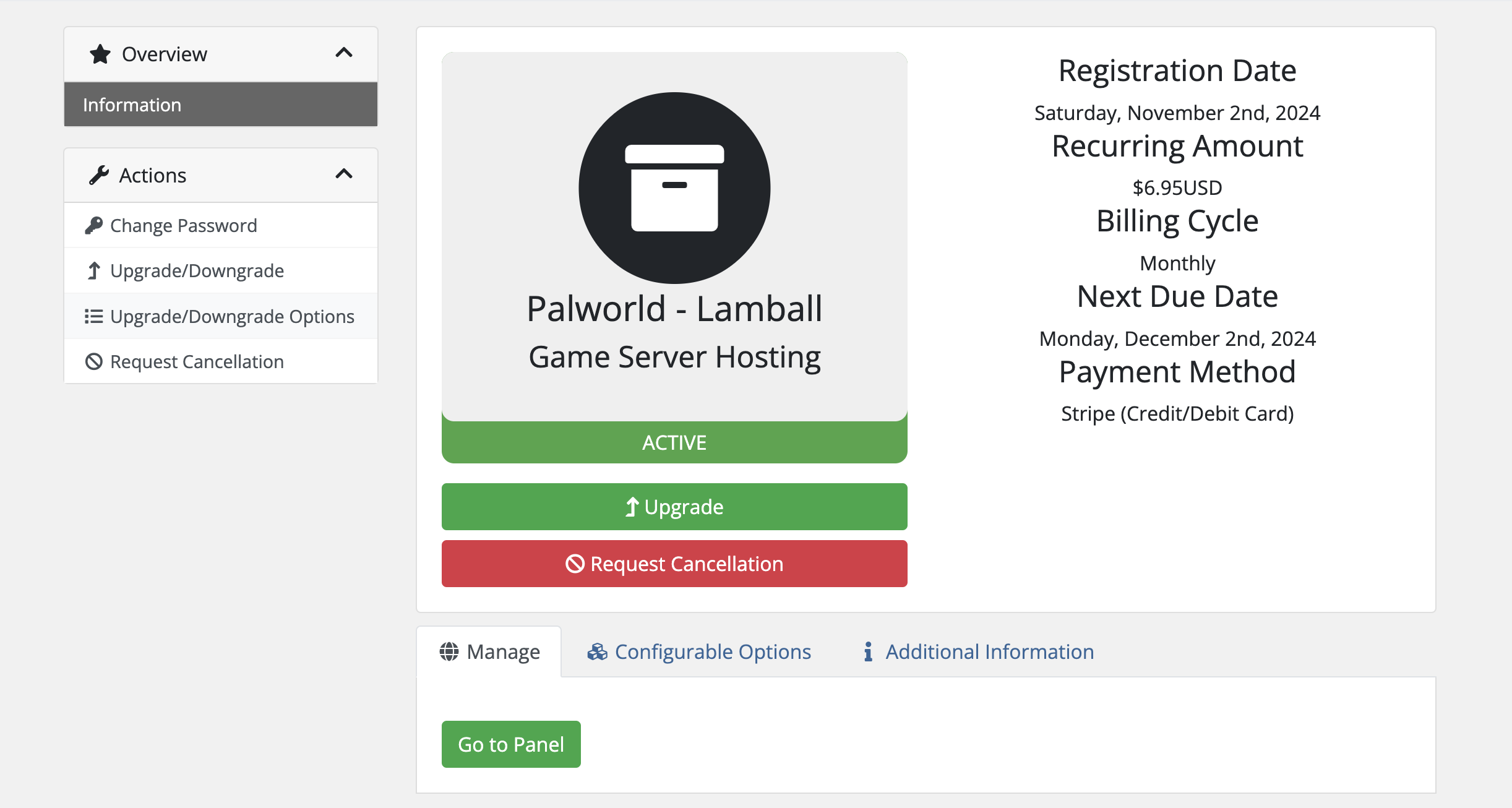
### 1. Go to Billing
Log in to [billing.berrybyte.net](https://billing.berrybyte.net/login) and select your server.
Click **Upgrade/Downgrade** in the left menu.
 ### 2. Choose Your New Plan
Pick the plan you want. You'll only pay the difference for the remaining days in your billing cycle.
### 3. Restart Your Server
Restart your server from the dashboard to apply the new resources.
## Having Issues?
**Can't see upgrade options?**
* Make sure you're logged into the right account
* You might already be on the highest plan
* [Contact support](https://berrybyte.net/contact) for help
**Resources not working after upgrade?**
* Restart your server
* Wait 5-10 minutes
* Still not working? [Get help](https://berrybyte.net/contact)
### 2. Choose Your New Plan
Pick the plan you want. You'll only pay the difference for the remaining days in your billing cycle.
### 3. Restart Your Server
Restart your server from the dashboard to apply the new resources.
## Having Issues?
**Can't see upgrade options?**
* Make sure you're logged into the right account
* You might already be on the highest plan
* [Contact support](https://berrybyte.net/contact) for help
**Resources not working after upgrade?**
* Restart your server
* Wait 5-10 minutes
* Still not working? [Get help](https://berrybyte.net/contact)