> ## Documentation Index
> Fetch the complete documentation index at: https://docs.berrybyte.net/llms.txt
> Use this file to discover all available pages before exploring further.
# How to Join V Rising Server
> Complete guide to joining V Rising servers for multiplayer vampire survival gameplay. Learn direct connection methods, server browser usage, and troubleshooting for seamless gothic multiplayer experiences.
# How to Join Your V Rising Server
Connecting to your V Rising server immerses you and your friends in the ultimate vampire survival experience where you can build gothic castles, hunt for blood, and dominate the night together. This comprehensive guide covers both direct connection and server browser methods to ensure you can join your server quickly and troubleshoot any connection issues.
## Joining a V Rising server with Direct Connect
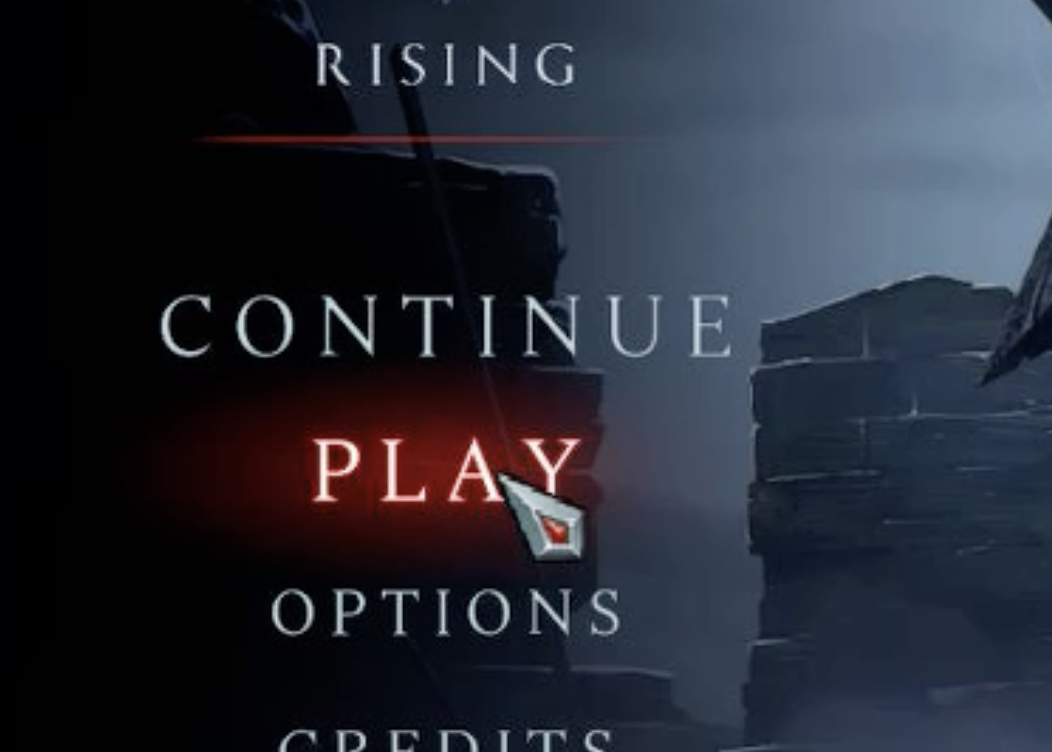
1. Launch [V Rising](https://store.steampowered.com/app/1604030/V_Rising/) and click **Play**
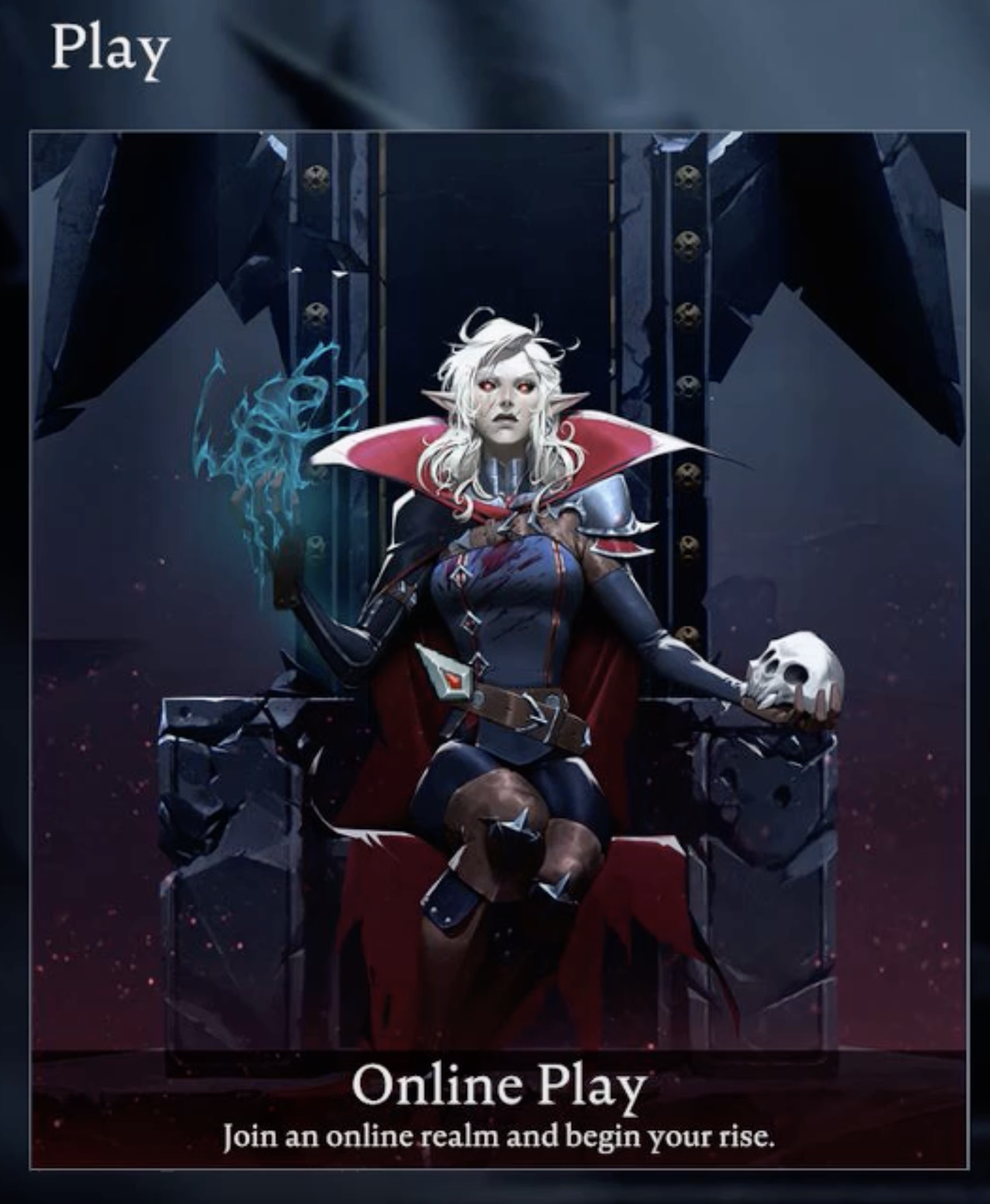
 2. Choose **Online Play**
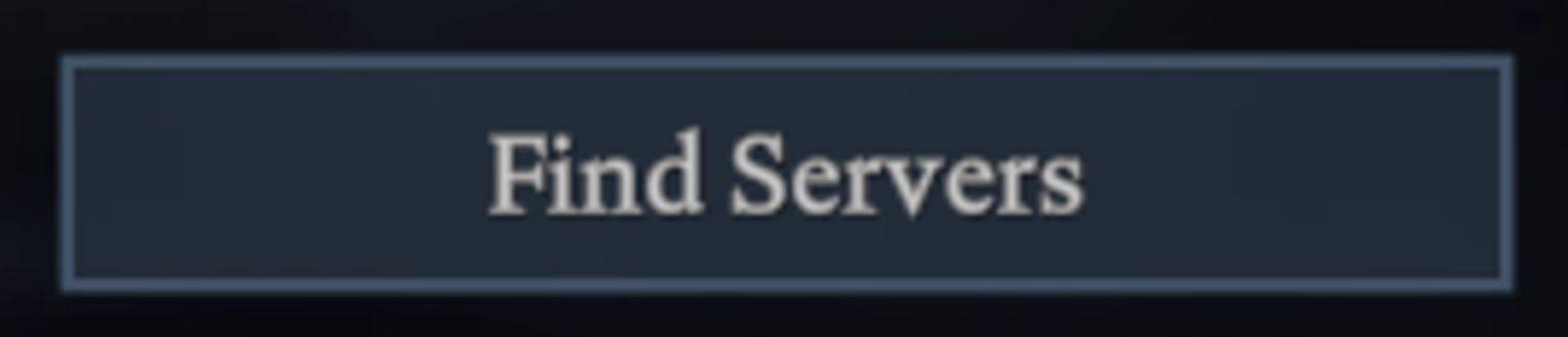
 3. Click **Find Servers**
 4. Click **Display all Servers & Settings**
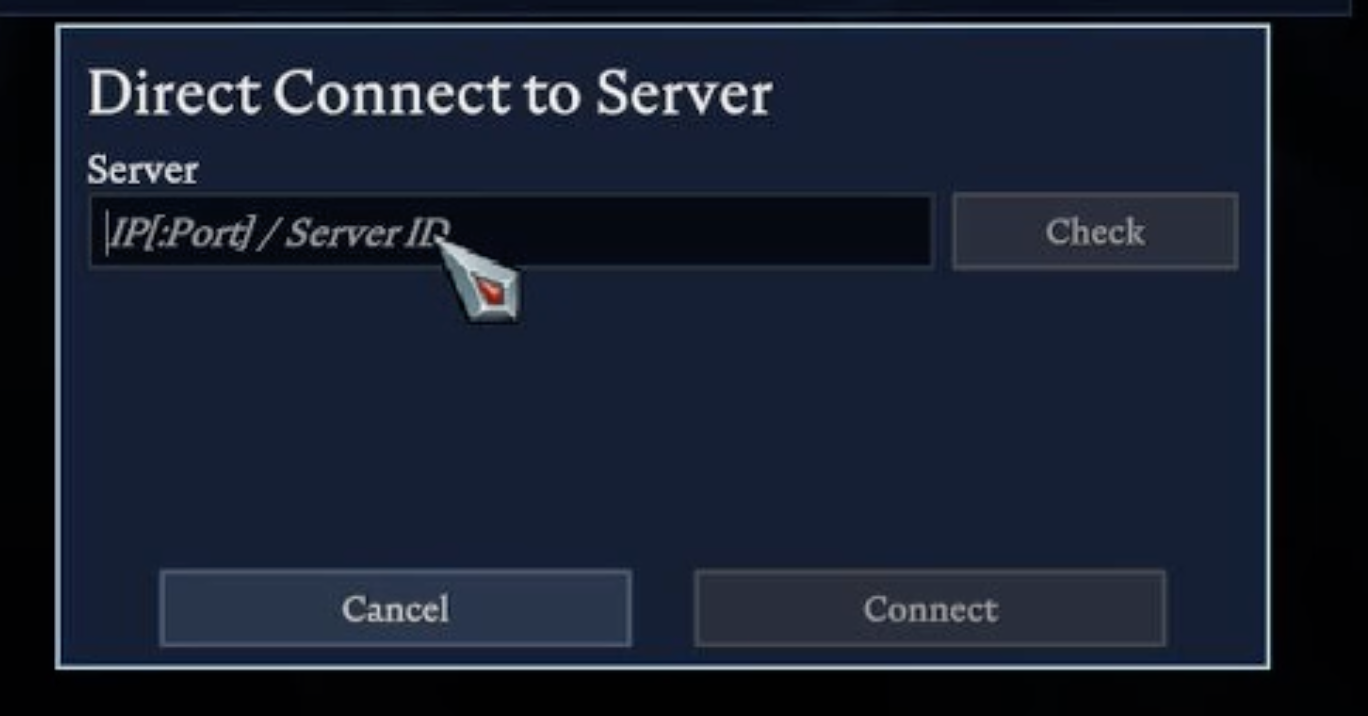
 4. Click **Direct Connect**
5. Paste your server's IP and Port and click **Connect**
4. Click **Direct Connect**
5. Paste your server's IP and Port and click **Connect**
 ## Joining a V Rising server via Server List
1. Launch V Rising and click **Play**
2. Choose **Online Play**
3. Click **Show all Servers**
4. Search for your server's name in the **Search** field
5. Find your server and click **Connect**
## Common Issues
* **Server not appearing in server list**: Server may not be publicly listed or offline
* **Solution**: Use direct connect method with IP address instead of server browser
* **"Server is full" message**: Server has reached maximum player capacity
* **Solution**: Wait for player slots to open or increase server capacity in settings
* **Connection failed or timeout**: Network connectivity or server configuration issues
* **Solution**: Verify server is running and check firewall/port settings
* **Version mismatch error**: Client and server running different V Rising versions
* **Solution**: Ensure both client and server are updated to the same game version
## Related Guides
* [Configure Server Settings](/games/vrising/configure-server-settings) - Customize gameplay options
* [Become an Admin](/games/vrising/become-an-admin) - Gain administrator privileges
* [Control Panel Overview](/panel/overview) - Understanding your server management interface
* [Enshrouded Server Connection](/games/enshrouded/join-server) - Similar Steam-based connection process
* [General Connection Troubleshooting](/games/minecraft/common-errors/connection-timed-out) - Fix common connection issues
Need help? [Chat with us](https://berrybyte.net/contact) or join our [community Discord server](https://discord.com/invite/Pv8DMpXtma).
## Joining a V Rising server via Server List
1. Launch V Rising and click **Play**
2. Choose **Online Play**
3. Click **Show all Servers**
4. Search for your server's name in the **Search** field
5. Find your server and click **Connect**
## Common Issues
* **Server not appearing in server list**: Server may not be publicly listed or offline
* **Solution**: Use direct connect method with IP address instead of server browser
* **"Server is full" message**: Server has reached maximum player capacity
* **Solution**: Wait for player slots to open or increase server capacity in settings
* **Connection failed or timeout**: Network connectivity or server configuration issues
* **Solution**: Verify server is running and check firewall/port settings
* **Version mismatch error**: Client and server running different V Rising versions
* **Solution**: Ensure both client and server are updated to the same game version
## Related Guides
* [Configure Server Settings](/games/vrising/configure-server-settings) - Customize gameplay options
* [Become an Admin](/games/vrising/become-an-admin) - Gain administrator privileges
* [Control Panel Overview](/panel/overview) - Understanding your server management interface
* [Enshrouded Server Connection](/games/enshrouded/join-server) - Similar Steam-based connection process
* [General Connection Troubleshooting](/games/minecraft/common-errors/connection-timed-out) - Fix common connection issues
Need help? [Chat with us](https://berrybyte.net/contact) or join our [community Discord server](https://discord.com/invite/Pv8DMpXtma).