> ## Documentation Index
> Fetch the complete documentation index at: https://docs.berrybyte.net/llms.txt
> Use this file to discover all available pages before exploring further.
# How to Update Your Soulmask Server
> A guide on updating your Soulmask dedicated server.
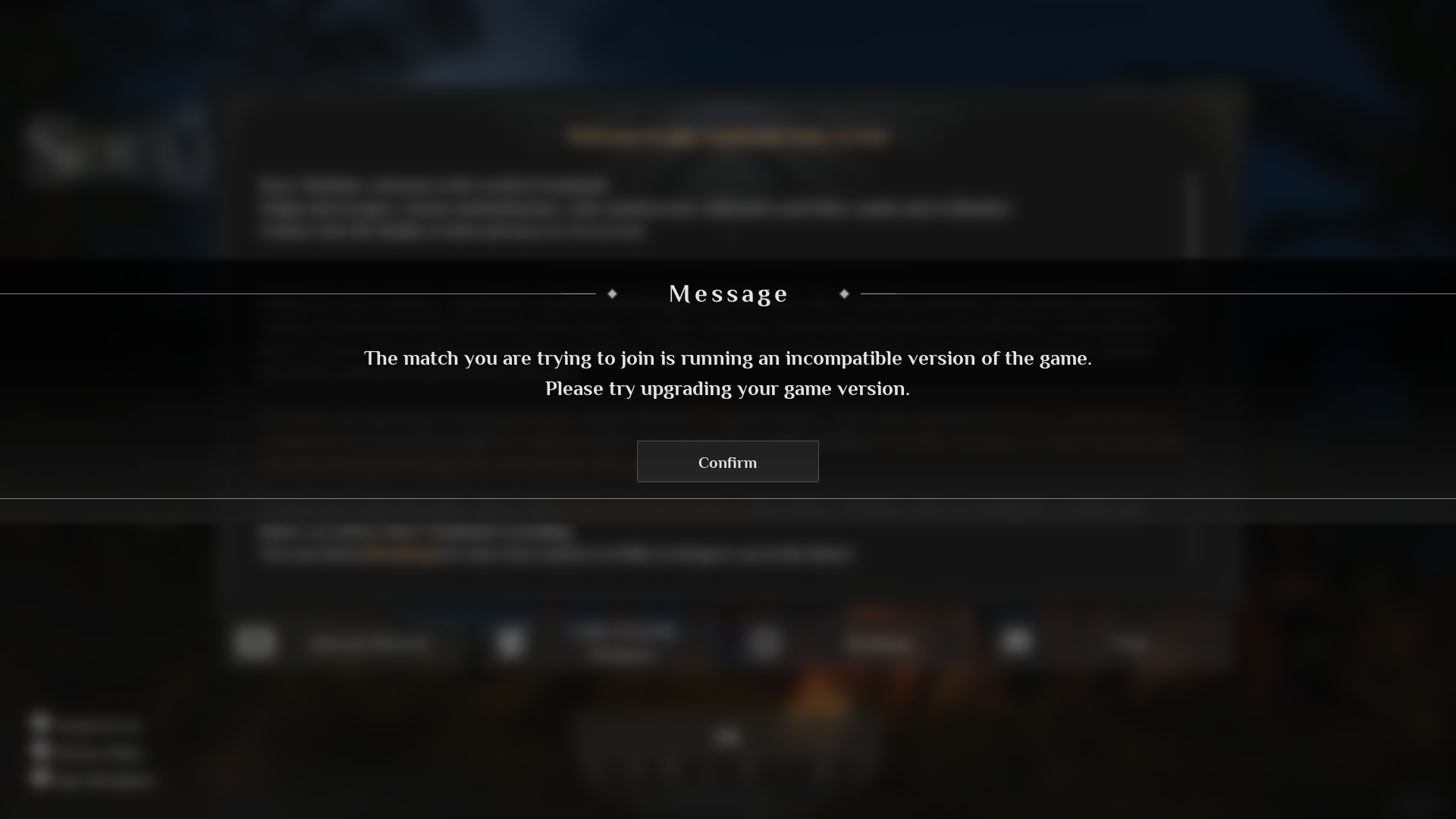
Every time [Qooland Games](https://mask.qoolandgames.com/), the creators behind the game Soulmask, releases patches, bug fixes, and new features for the game, you'll need to update the servers as well. If the server or game isn't updated, you may encounter the `The match you are trying to join is running an incompatible version of the game. Please try upgrading your game version.` error.
 Luckily, we've simplified the whole process for you to a single click of a button at [berrybyte](https://berrybyte.net/soulmask-server-hosting)!
## Updating Soulmask Server
1. Login to the [game panel](https://game.berrybyte.net)
2. In the **Startup** tab, make sure **Auto Update** is enabled
3. Press the "**Restart**" button
And voilà! Restarting the server from the game panel will automatically pull, verify, and apply the Soulmask update onto your server for you!
## Updating Soulmask Server on Linux
Before updating, please take a backup! Saves headache down the line in case anything goes awry.
1. Launch or navigate to SteamCMD
2. `login anonymous`
3. `app_update 3017300 validate`
4. `exit`
Alternatively, you can run this command in a terminal inside the SteamCMD directory:
`./steamcmd.sh +force_install_dir /home/Steam/steamapps/common/Soulmask_server +login anonymous +app_update 3017300 validate +quit`
## Updating Soulmask Server on Windows
1. Open command prompt in the SteamCMD folder
2. Run `steamcmd.exe +force_install_dir /home/Steam/steamapps/common/Soulmask_server +login anonymous +app_update 3017300 validate +quit`
## Related Guides
* [Join Soulmask Server](/games/soulmask/join-server) - Connect after updating
* [Change Server Settings](/games/soulmask/change-server-settings) - Customize updated server
* [Server Backups](/panel/backups) - Backup before updating
* [Palworld Server Updates](/games/palworld/update-server) - Cross-game update process
* [Control Panel Overview](/panel/overview) - Understanding server management
Need help updating your Soulmask server? Shoot us a message on our
[community Discord server](https://berrybyte.net/discord) or [contact support](https://berrybyte.net/support).
Luckily, we've simplified the whole process for you to a single click of a button at [berrybyte](https://berrybyte.net/soulmask-server-hosting)!
## Updating Soulmask Server
1. Login to the [game panel](https://game.berrybyte.net)
2. In the **Startup** tab, make sure **Auto Update** is enabled
3. Press the "**Restart**" button
And voilà! Restarting the server from the game panel will automatically pull, verify, and apply the Soulmask update onto your server for you!
## Updating Soulmask Server on Linux
Before updating, please take a backup! Saves headache down the line in case anything goes awry.
1. Launch or navigate to SteamCMD
2. `login anonymous`
3. `app_update 3017300 validate`
4. `exit`
Alternatively, you can run this command in a terminal inside the SteamCMD directory:
`./steamcmd.sh +force_install_dir /home/Steam/steamapps/common/Soulmask_server +login anonymous +app_update 3017300 validate +quit`
## Updating Soulmask Server on Windows
1. Open command prompt in the SteamCMD folder
2. Run `steamcmd.exe +force_install_dir /home/Steam/steamapps/common/Soulmask_server +login anonymous +app_update 3017300 validate +quit`
## Related Guides
* [Join Soulmask Server](/games/soulmask/join-server) - Connect after updating
* [Change Server Settings](/games/soulmask/change-server-settings) - Customize updated server
* [Server Backups](/panel/backups) - Backup before updating
* [Palworld Server Updates](/games/palworld/update-server) - Cross-game update process
* [Control Panel Overview](/panel/overview) - Understanding server management
Need help updating your Soulmask server? Shoot us a message on our
[community Discord server](https://berrybyte.net/discord) or [contact support](https://berrybyte.net/support).