> ## Documentation Index
> Fetch the complete documentation index at: https://docs.berrybyte.net/llms.txt
> Use this file to discover all available pages before exploring further.
# How to Change the Version of Your Palworld Server
> A guide on changing the version, upgrading or downgrading, of your Palworld server.
Want to downgrade the server version or rollback the version of your [Palworld server](https://berrybyte.net/palworld-server-hosting)? Or update it to a specific version which isn't the latest release?
This guide explains how, we at [berrybyte](https://berrybyte.net), have built in a server version selector for Palworld into our [game panel](https://game.berrybyte.net).
## Change Palworld server version
1. Login to the [game panel](https://game.berrybyte.net) and **Stop** the server
2. Take a backup of your server (just in case) and navigate to the **Palworld Settings** tab
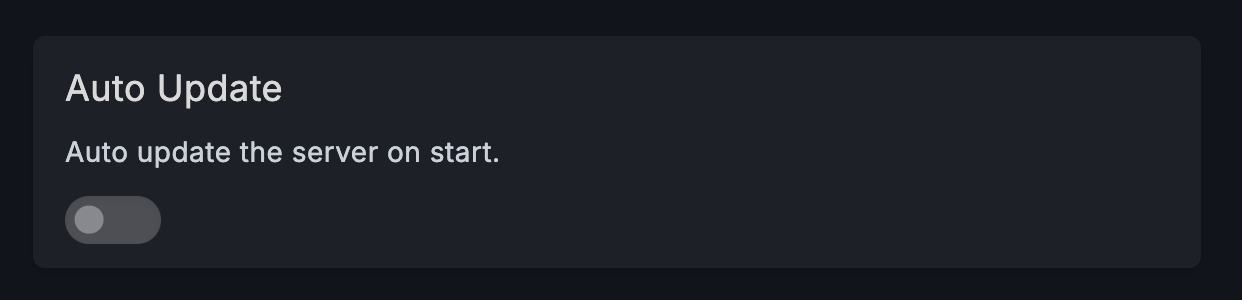
3. Disable **Auto Update**
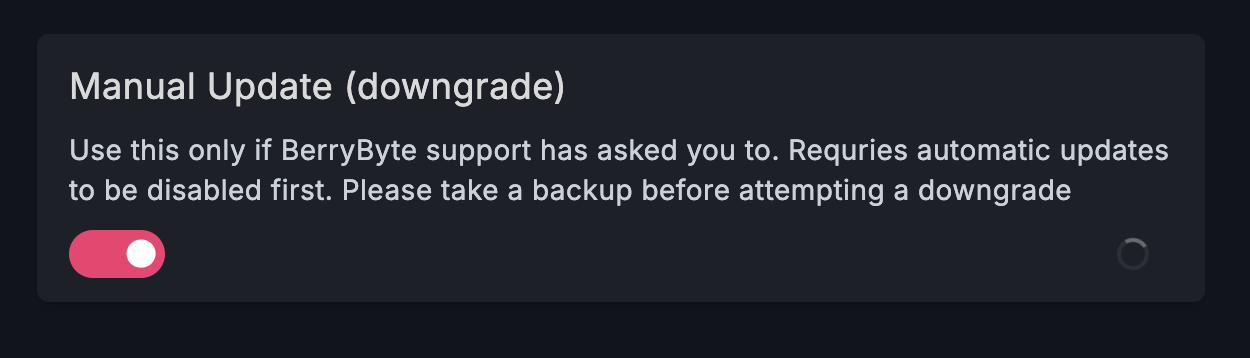
 4. Enable **Manual Update**
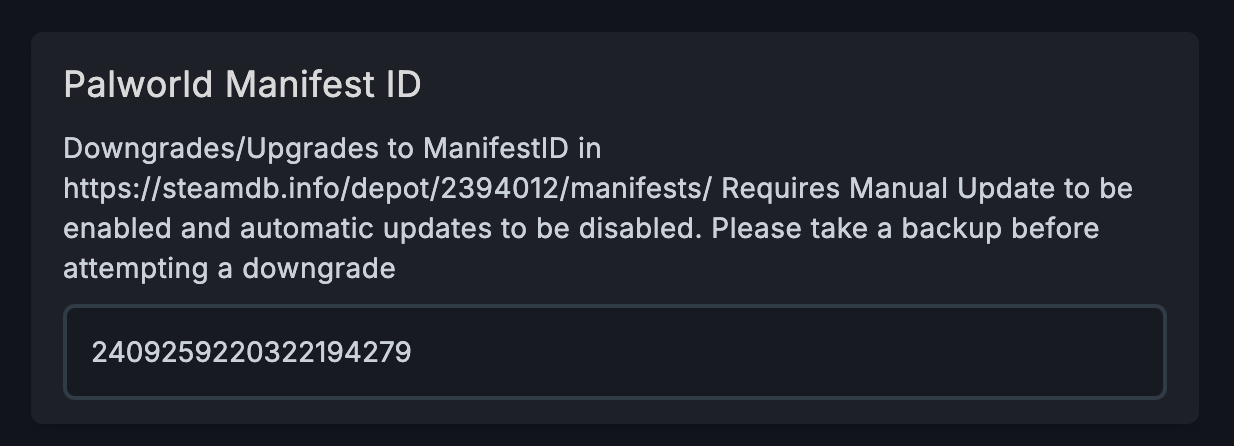
 5. Set the manifest ID to your desired version (find the ID from [steamdb.info](https://steamdb.info/depot/2394012/manifests/))
 6. Start the server!
After completing these steps, your server should be rolled back or updated to the version! For example, to roll back to Palworld version v0.3.5, input `2409259220322194279`.
Need help changing the server version of your Palworld? Shoot us a message on our
[community Discord server](https://berrybyte.net/discord) or [contact support](https://berrybyte.net/support).
6. Start the server!
After completing these steps, your server should be rolled back or updated to the version! For example, to roll back to Palworld version v0.3.5, input `2409259220322194279`.
Need help changing the server version of your Palworld? Shoot us a message on our
[community Discord server](https://berrybyte.net/discord) or [contact support](https://berrybyte.net/support).